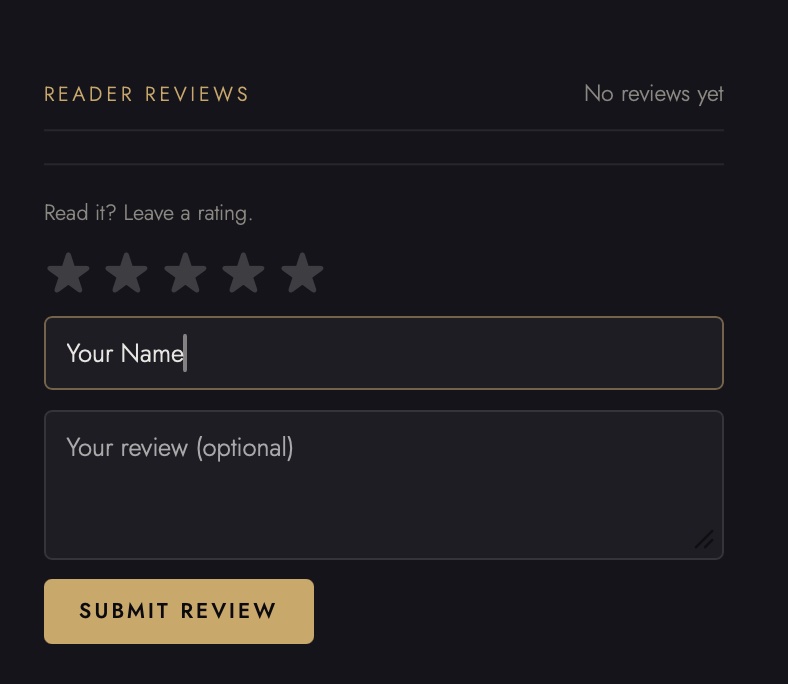
The Hidden Chapter vault now has star ratings and reviews. Yes, like a proper website. I'm as surprised as you are.
Here's how it works, in roughly the time it takes to sip a tea:
If you've got one of my books or products in your vault, you can now slap a star rating on it. One to five. There's a box for words too, if you have opinions, which - statistically - you do.
The twist: only people who actually have the book can review it. No drive-bys, no bots, no mysterious one-star from someone who "didn't order this toaster". If a review is on a book, the person behind it genuinely has the book. Revolutionary stuff. Other shops should try it.
And before anything goes public, I read it first. Every single one. So if you write something unhinged, I will personally see it, and I will think about it in the shower for several days. (not in a weird way)
The stars show up right on the cards in the vault, so anyone browsing can see what actual readers think before tapping anything. Judging a book by its cover is traditional. Judging it by its stars is just more efficient.
So: if you're in The Hidden Chapter, go and rate something. Takes about four seconds, makes the vault look lived-in, and tells other readers what's worth their time.
If you're not in The Hidden Chapter - it's free, and members get to judge me with impunity. One more reason to join.
Why now? Well, because paid products are 'coming soon'
That's right - direct sales. No middleman, no Bezos tax.
Can you guess what the first product will be? Leave a comment below.

Comments