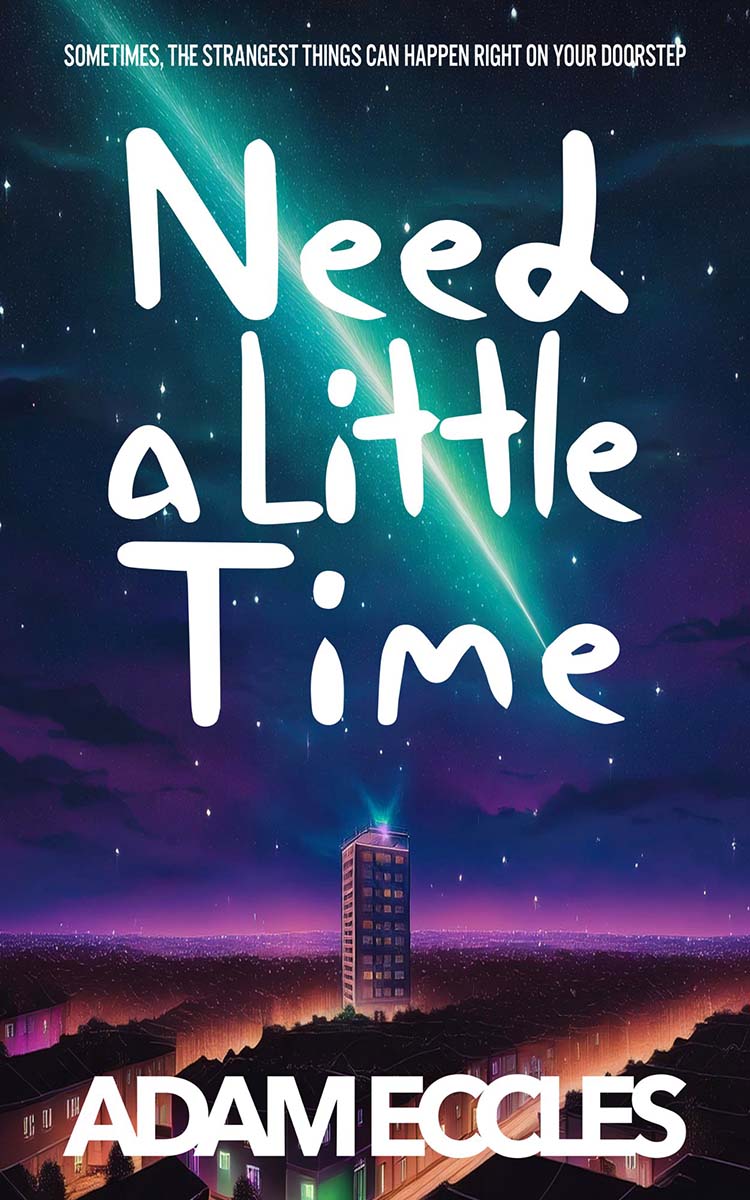
When I started writing Need a Little Time, I had quite a different idea about how it would go. That happens a lot. An initial idea morphs into something different - and usually better. That's exactly what happened here. The first plan was called something like 'Anomaly Sandwich' ... The less said about that, the better.
So, Need a Little Time evolved out of that idea of someone living in a tower flat with someone upstairs and someone downstairs ... well, you know the rest.
Published 6 years ago today, (June 5th, 2020) and my most loved book, and I am proud to say it's someones 'favourite book I’ve ever read'
:)
That's a huge responsibility! But it gives me warm fuzzy feelings whenever I think about it.
I have plans for Need a Little Reboot. I don't know exactly when it will launch yet, but it will launch.
And there's some other fun 'Need a Little ...' stuff coming as well.
Spoiler (tap to reveal)
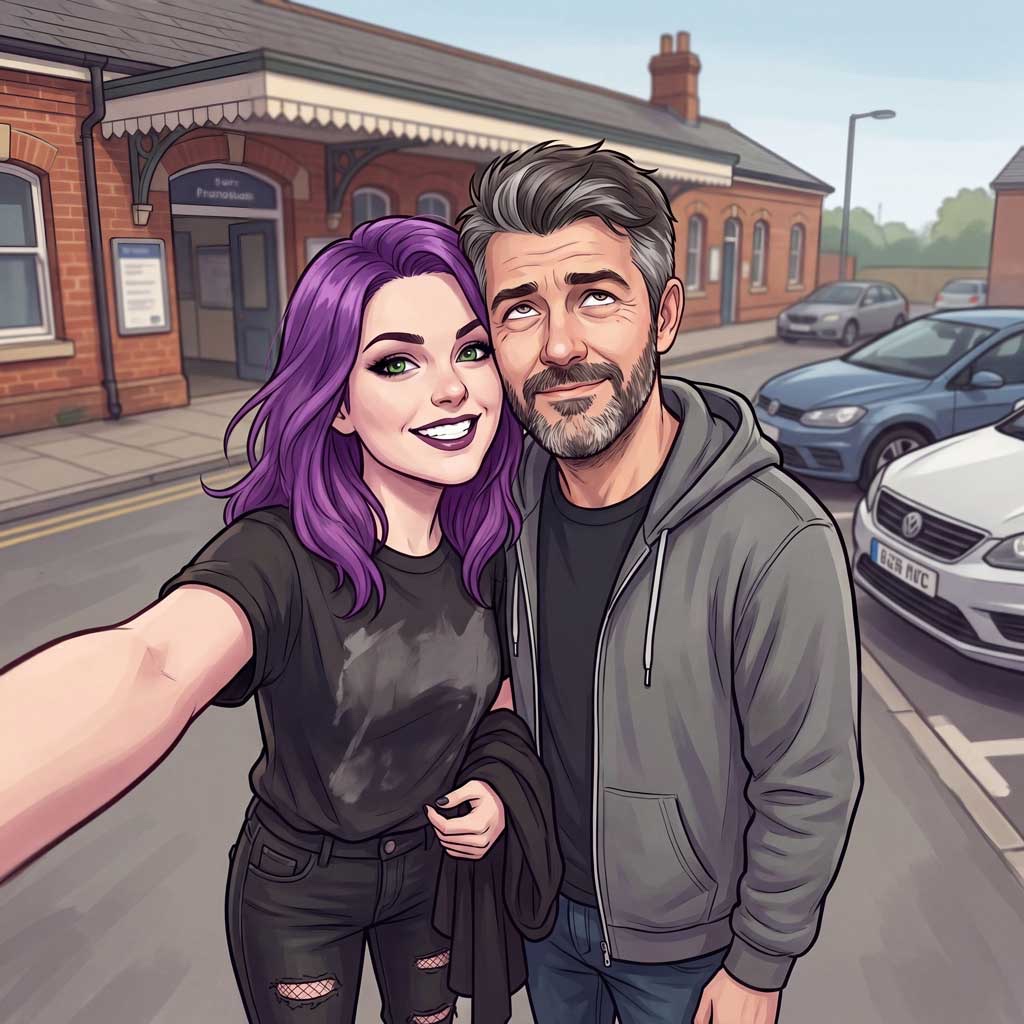
Plus, if you are so inclined, you can get the t-shirt and mug in my new
Merch store!
I want to take this opportunity to thank all the people who have read Need a Little Time, and left wonderful 5-star reviews, and told me in person that they loved it, and for making Jamie and Anna and Bert and Gordon Bennet as real as any characters can become in my head, at least.
Oh, and special thanks to Mark Rice-Oxley, who did such an amazing job at the narration that his voice is basically now Jamie's voice, and that's it, locked forever now! If we make a movie one day, I know who I'd cast!
Six years of Need a Little Time. Who'd a thunk it?
Cheers.
Adam.
Comments