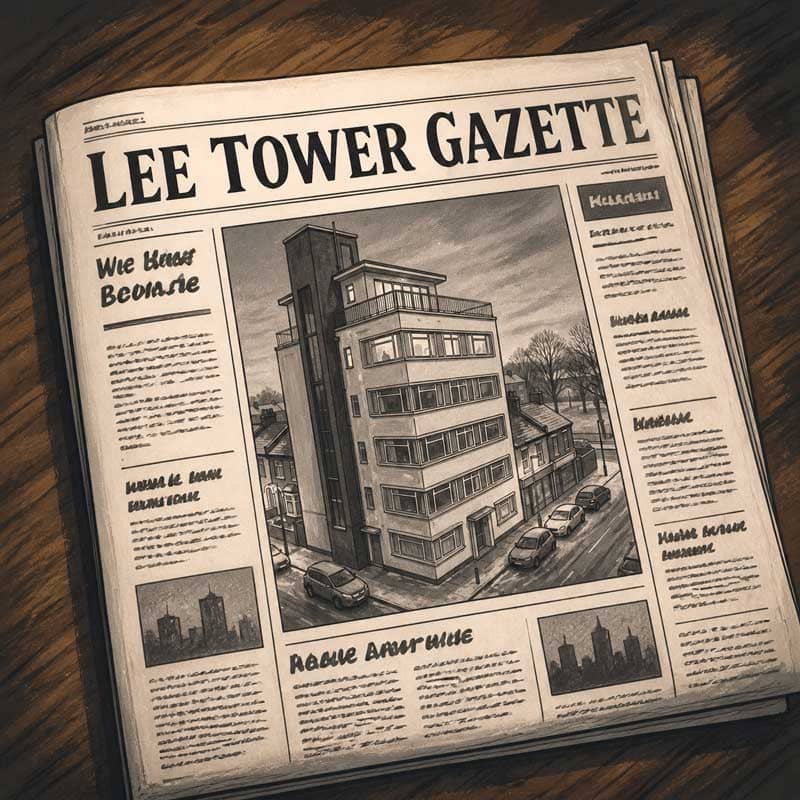
The faces on the landings have changed, and not changed, both at once. The lift is still doing the thing it used to do. The roof terrace has acquired tomatoes. The building is fuller than it has been in years, and chattier with it, and it seemed a shame not to write some of it down.Nivedita Khan, editor of the Lee Tower Gazette.
Some of you are already familiar with Lee Tower from Need a Little Time (which is on a 99p Kindle deal in the UK Amazon store at the moment, by the way). What you may not know is that the building has a newsletter, edited by Betty Sykes in the 1990s and by Mrs Khan in 2020, and that it has been running for a while.
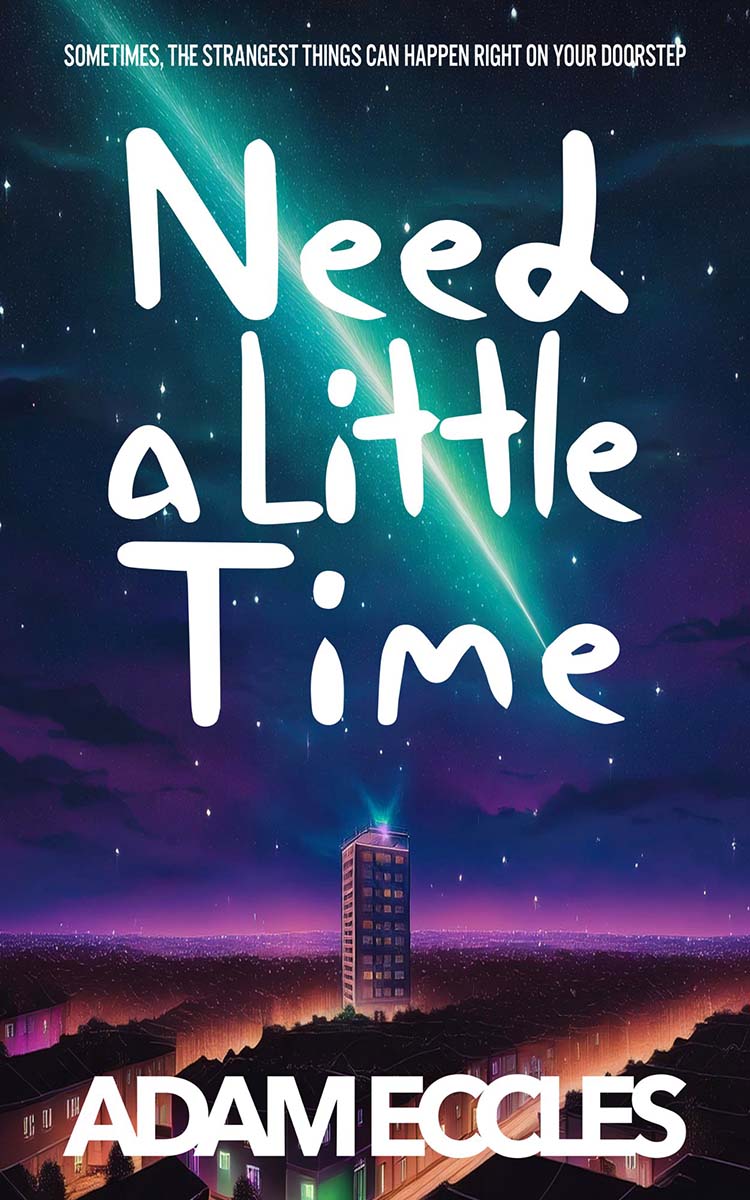
I've been working on this on and off for a while now, and with four issues digitised from the original prints from 1990 and 2020, I felt like it was time to release it into the world. Especially as Need a Little Time is now 6 years old.
The Gazette is a small in-universe periodical with all the usual concerns of a five-flat block: tenant spotlights, recipes from Apartment 2, gossip about the lift, complaints about the third-floor hallway carpet, an ongoing investigation into who keeps smuggling Turkish Delight into the building.
It is exactly what you'd expect a five-flat newsletter to be, and it is, I'm pleased to say, gently drifting toward something a great deal stranger than that.
If you're already in Hidden Chapter, there are four issues waiting for you there. If you're not in Hidden Chapter yet, the doors are open, and there's no charge to read. It's a small thing. But I think you'll enjoy it. Let me know!
Comments